

Get critical feedback or a guideline check before journal submission.
Send your preprint to Explore Science from your bioRxiv Author Area. One click gets our full review, or a targeted check against a reporting guideline of your choice. Your first review from bioRxiv is complimentary.
Your review
How a paper is scoredLower your chance of desk-rejection by identifying and resolving critical issues.
90%+
of researchers rate the review equal to or better than human peer review.
“A remarkable review of a complicated paper, especially noteworthy for the depth of the methodological comments. I do not often see reviews by statisticians that are as detailed.”

Philip Greenland, MDSenior Editor, JAMA · Northwestern Medicine
Read more about our underlying review engine
Closing the Empirical Loop: Autonomous AI Agents Conduct End-to-end Research With Human ParticipantsAdvanced Science (2026), e76675

- 01
Post your preprint, then open your Author Area.
- 02
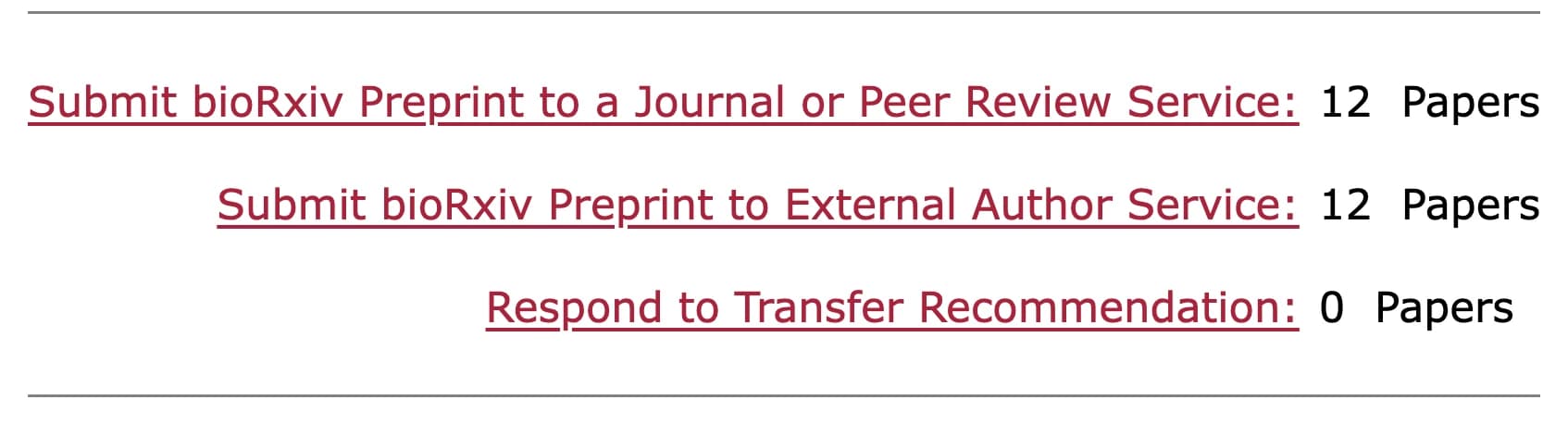
Beside the manuscript, choose Submit Preprint to External Author Service.
- 03
Choose Explore Science. An email follows with the link to start your review.
FAQ
What does the review cost?
Who sees my review?
Do I need an account?
Send your preprint for review before journal submission.
bioRxiv, medRxiv and openRxiv are trademarks of openRxiv, used with permission.